



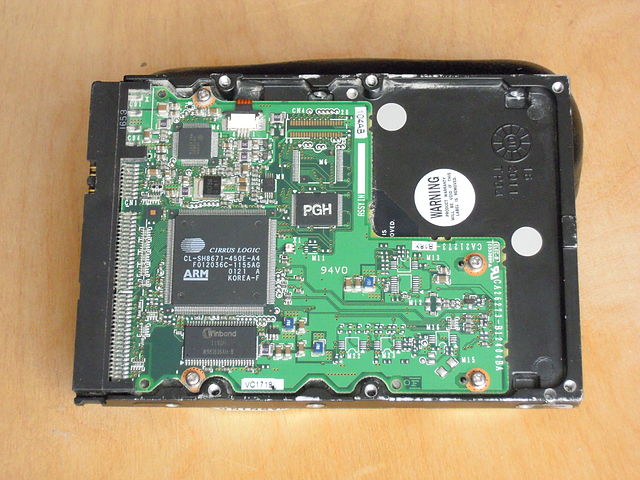
You can use the smartctl command in Bash to check if the disk controller is faulty in Linux.
- First, check if
smartctlis installed by running the following command:bashCopy codewhich smartctlIf the command returns a path, thensmartctlis installed. If it doesn’t return anything, you can installsmartmontoolspackage using your package manager. - Once
smartctlis installed, run the following command to display information about the disk controller sudo smartctl -a /dev/sdaThis will show the SMART (Self-Monitoring, Analysis and Reporting Technology) attributes of the disk drive /dev/sda. If there is an issue with the disk controller, you may see error messages in the output or abnormal values in the SMART attributes.Note: Replace/dev/sdawith the device name of the disk you want to check.- You can also run a test on the disk to check for any faults in the disk controller by using the following command
sudo smartctl -t short /dev/sdaThis will run a short test on the disk and report any errors if found.Note: Replace/dev/sdawith the device name of the disk you want to test.sudo smartctl -t short /dev/sda